
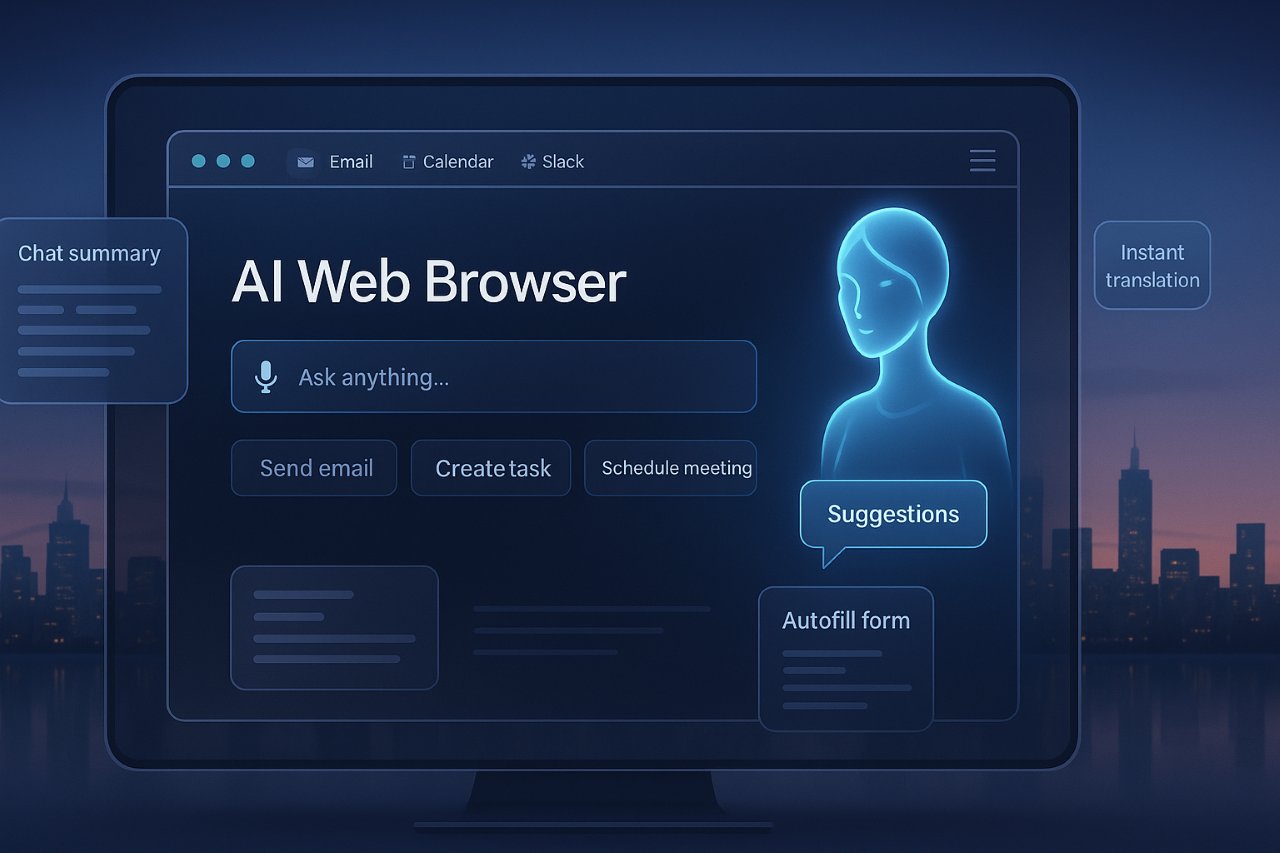
The web browser has always been our digital gateway—but with AI on the rise, it’s evolving into something radically smarter. Perplexity’s new product Comet isn’t just another browser; it’s an AI-powered interface that blends search, automation, and personalization in ways Chrome and Safari can’t. Think of it as your co-pilot for the internet.
At the heart of this innovation is the idea of AI agents—tools that don’t just respond to your questions, but do the work for you: scheduling meetings, summarizing podcasts, managing tabs, even drafting emails or sourcing talent. If you’ve ever wondered, is there any AI that can browse the web?, Comet might just be your answer.
What sets Comet apart isn’t just technology—it’s timing. As AI models mature and browsers become more than search engines, Comet positions itself at the intersection of convenience, intelligence, and control. Let’s break down why this matters and where the future of browsing might be headed.
Is There Any AI That Can Browse the Web? Comet May Be the First Truly Capable One
Yes—finally, the answer might be yes. When people ask, “Is there any AI that can browse the web?”, they usually mean: can AI actually go online, interact with websites, understand context, and complete tasks like a real person would? That’s exactly what Comet from Perplexity is aiming to do—and it’s already getting close.
Comet introduces a sidecar agent that rides alongside your usual browsing experience. Rather than jumping between ChatGPT tabs and your email or Slack, you can now ask Comet to act directly within the webpage. Want to unsubscribe from spam, analyze your last Amazon order, or summarize a YouTube interview? It can handle all that—in real time, on-site.
Other browsers, like Google Chrome or Edge, may add AI integrations, but they aren’t AI-native. Comet’s strength lies in its architecture, which gives AI the autonomy to operate like a human user—with precision, privacy, and your own login context. That’s a real leap forward.

The Sidecar That Changes Everything
If there’s one killer feature setting Comet apart, it’s the sidecar. More than just a chatbot on the side, it’s a command center that lets users interact with web pages without switching tabs, copying context, or pasting prompts. Gen-Z, meet the browsing assistant you never knew you needed.
You’re watching a podcast? Ask Comet to pull the exact timestamp Zuckerberg talks about AI clusters and send it to Slack. Want to search for candidates on LinkedIn with a Stanford degree and past Anthropic experience? Let the agent scrape, sort, and even draft cold emails for you. It’s the kind of automation that used to live in Power Users’ dreams.
It’s also surprisingly seamless. Built on Chromium, Comet retains Chrome’s look and feel—extensions, bookmarks, and login sessions carry over with a single click. So while the interface may feel familiar, the power behind it is anything but. The sidecar makes traditional browsing feel like walking when you could be flying.
Which AI Web Browser Will Lead? Why Comet Is a Real Contender
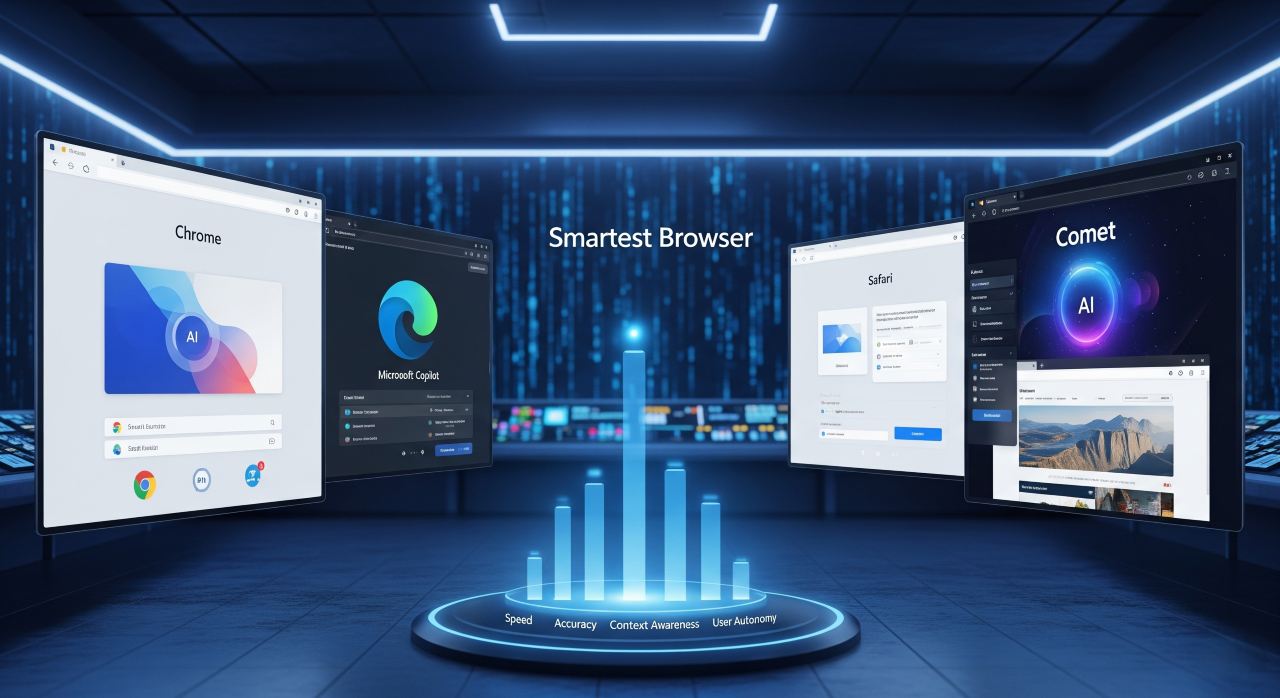
As AI weaves itself deeper into our everyday tools, a natural question arises: Which web browser has the best AI? Google’s Chrome is ubiquitous. Microsoft’s Edge has Copilot. But Comet is built from the ground up with AI as its core—not as an add-on. That distinction matters.
Unlike Chrome, Comet isn’t just searching—it’s thinking. It runs intelligent agents that act on your behalf. Not in the vague, sci-fi sense, but in concrete tasks: rescheduling meetings, pulling data from your Gmail, even parsing dense LinkedIn profiles and writing replies. The AI doesn’t just live in a box—it lives in your browser.
The context is the key. Because Comet uses the logged-in state of your apps securely on your own device, the AI doesn’t need to ask for repeated permissions. It sees what you see—only when it needs to. That keeps your experience personalized, powerful, and private. And that might just give Comet the edge in the battle of AI browsers.
From Browsers to Operating Systems: Comet’s Long-Term Vision
The endgame isn’t just an AI web browser—it’s a full-on digital OS. Comet is positioning itself not just as a browser, but as the new home for your cognitive workflows. Instead of 15 open tabs, copy-pasting between apps, or juggling Slack, Gmail, Docs, and calendar, you tell Comet what you want—and it handles it.
That vision is already unfolding. From launching tasks in the background to syncing your schedule, Comet is becoming more like a digital project manager than a browser. Think of it as your own cloud-powered intern that never sleeps—and actually understands nuance. Eventually, these agents could follow up on cold leads, resolve scheduling conflicts, and prep your meeting brief—without a single prompt.
This isn’t just hype. It’s backed by how AI models are evolving. As reasoning improves and UI/UX becomes second nature, tools like Comet may completely flip our workflow—from reactive to proactive. Browsing at the speed of thought? That’s just the beginning.
One reply on “AI Web Browsers Are Here — Which One’s Actually Good?”
Linktree Cryptozink11
KRIPTO11
clark spencer