
If you hold crypto for more than a quick trade, the question arrives fast: Do I need a hardware wallet? In 2025, the choice is no longer binary. You can mix a hot wallet for speed with cold storage for safety, and you can switch modes as your balance grows. This guide focuses on the Hardware Wallet decision-what it is, when it pays off, and how to use it alongside a mobile crypto wallet without turning your day into a security drill. We’ll compare risk, convenience, and cost, then map setups for travelers, long-term investors, and everyday users.
0097F1
Hardware Wallet crypto: what it is and why it exists
A hardware wallet crypto device stores your private keys offline. Because the keys never leave the chip, malware on your laptop or phone cannot sign transactions behind your back. You still confirm actions on the device screen, and you press the physical buttons to approve or deny a transaction. That physical confirmation adds friction, which is the point.
Why people buy one in 2025
You value clear, on-device signing prompts that reduce phishing risk.
You plan to hold assets for months or years.
Your balance grew enough that a phone-only hot wallet makes you nervous.
You want a clean separation between “spending money” and “vault money.”
hardware wallet: Why some still wait
- You only keep small balances and move them often.
- You live inside fast DeFi flows where speed beats maximum security.
- Your budget is tight and fees matter more than hardware.
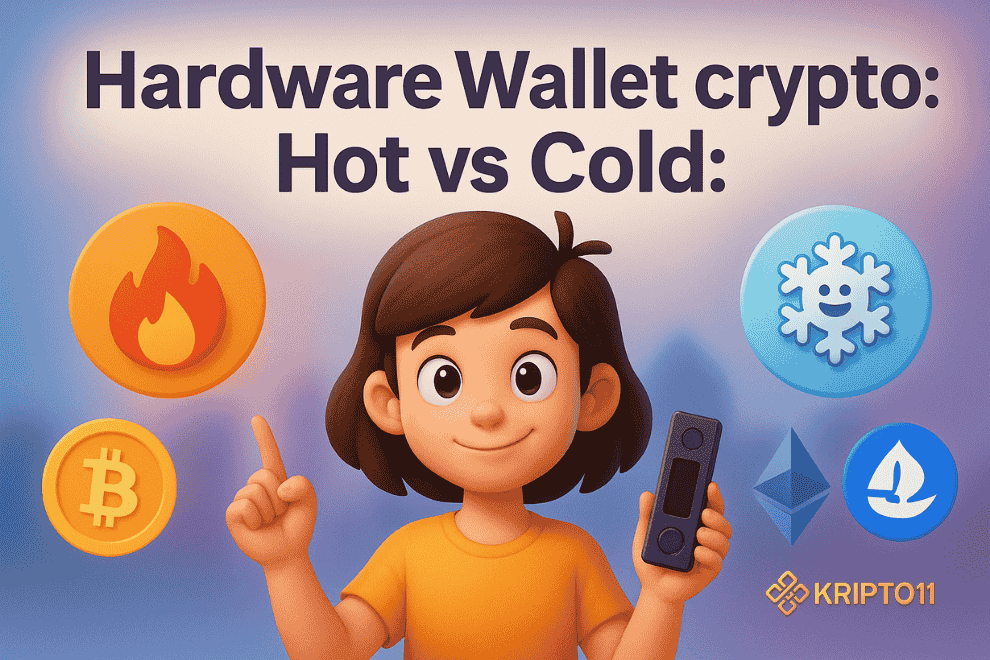
Hot vs Cold: when each makes sense in 2025
The “right” wallet depends on the task at hand. Use the table below as a mindset, not a law.
Hot wallet (mobile/extension) shines when
- You need speed for swaps, mints, or paying friends.
- You interact with new dApps daily and test small amounts.
- You want push notifications and quick 2FA prompts from exchanges or services.
- You split funds: small, disposable balance on hot; the rest in vault.
Cold storage (hardware) wins when
- You rarely move long-term holdings.
- You manage higher value NFTs or long-term BTC/ETH stacks.
- You want a second factor you control physically.
- You need deterministic, offline backups of your seed phrase.
Rule of thumb: keep your active spending and experimental funds in a hot wallet, while the majority sits in cold storage. Move value in chunks on a schedule, not during every market twitch.
Risk model: threats you reduce vs the ones you still accept
Security is about trade-offs. A Hardware Wallet drastically cuts some risks; other risks remain and need process, not gadgets.
What cold storage reduces
- Malware signing: key never touches an infected computer.
- Phishing pop-ups: on-device screens show the real destination and amounts.
- Approval drainers: slower, deliberate signing makes approvals less casual.
- Cross-app confusion: physical buttons force you to pause and confirm.
What you still must manage
- Seed phrase loss: fire, flood, or simple misplacement still hurts. Use two offline copies in separate places.
- Physical theft: someone could steal the device. Add a strong PIN and keep the seed phrase separate from the device.
- Social engineering: scammers love urgency; never share recovery words.
- Bad dApp logic: if you sign a malicious transaction, a device can’t save you. Read the prompt carefully every time.
- KYC edges: when you move between self-custody and exchanges, use secure KYC verification only on official portals you bookmark.
Don’t forget approvals and revokes
- Set spending limits when possible.
- Regularly revoke old token approvals with trusted tools.
- Run a test transaction before sending large amounts.
- Keep separate addresses: “Active,” “Savings,” and “Vault.”
Setups that work in real life (copy and adapt)
Below are field-tested patterns you can tailor. Each keeps the Hardware Wallet in the loop without slowing you down.
hardware wallet: The Starter (learning, <$1k)
- Hot wallet only, small balance.
- Focus on process: bookmarks, test-tx, modest slippage.
- Back up the seed phrase on paper, stored offline.
- Add 2FA to your exchange account for on-ramp/off-ramp.
The Traveler (moving funds often, $1k–$10k)
- Hot wallet (mobile) for dApps and payments.
- Hardware wallet at home as the “vault.”
- Weekly sweep: move profits from hot → cold.
- Keep a spare, empty hardware device in another location for emergency imports.
The Investor (long horizon, $10k+)
- Two-tier cold: primary hardware wallet + a second device as backup.
- Split the seed phrase into two sealed copies, stored separately.
- Use watch-only wallets to monitor balances without exposing keys.
- Move funds on a fixed schedule, not during peak market noise.
The Creator/Trader (NFTs, frequent mints)
- Mint wallet (hot) with tiny balance for experiments.
- Trading wallet (hot) with stricter approvals.
- Vault (hardware) for blue chips and long holds.
- After a mint or flip, sweep valuable items to the vault.
Costs, convenience, and ROI: when a device pays for itself
A Hardware Wallet costs money and time. However, the ROI can be dramatic after a single avoided mistake.
Direct costs
- Device price: generally affordable relative to portfolio size.
- Optional accessories: metal seed backups or fire-resistant storage.
- Time: a few hours to learn flows and label addresses clearly.
Indirect costs–hardware wallet
- Friction: plugging in a device or pairing via Bluetooth before signing.
- Inertia: you’ll swap less out of boredom-often a feature, not a bug.
- Training: teach your future self (or a trusted partner) how to recover correctly.
When it “pays off”
- You avoid one phishing or drainer transaction.
- You stop an impulsive move because the device forces you to slow down.
- You recover confidently after a lost phone, because your private keys never lived on that phone.
Bottom line: once your crypto balance crosses the device price by a comfortable multiple and you plan to hold, buying a Hardware Wallet makes sense.
How to run a clean workflow (step-by-step)
Use these steps to keep your crypto wallet life tidy and predictable.
Set up the device–hardware wallet
- Unbox, check tamper-evident seals, and initialize.
- Generate a seed phrase offline; write it down carefully.
- Create two sealed paper copies or a metal backup.
- Set a PIN; change the default device name.
Pair with your hot wallet
- Connect the device to your browser or mobile app.
- Create separate accounts: Active, Savings, Vault.
- Label addresses in a password manager (not the seed).
- Send a test transaction to each account.
Daily habits that stick
- Always open dApps from bookmarks.
- Check the on-device screen for the receiving address and amount.
- Revoke approvals monthly or after major events.
- Keep firmware updated, yet only via the official app.
- For exchange transfers, use secure KYC verification and enable 2FA.
FAQs – hardware wallet 2025
1) Do I need a hardware wallet if I only hold stablecoins?
If the balance is small and you move it weekly, a hot wallet can be fine. For larger, long-term holdings, a hardware wallet still helps.
2) Is a hardware wallet safe against all hacks?
It reduces many risks, not all. Bad signatures or sharing a seed phrase can still hurt you.
3) What if I lose the device?
Recover with the seed phrase on a new device or compatible wallet. Keep the phrase offline and split across locations.
4) Can I connect a hardware wallet to DeFi dApps?
Yes. You’ll sign with the device. It’s slower, but you gain safer confirmations.
5) When should I upgrade from hot to cold storage?
Upgrade when the portfolio value makes you nervous or when you plan to hold for months instead of days.

5 replies on “Hot vs Cold: When a Hardware Wallet Actually Makes Sense 2025”
[…] a cold vault for storage, a hot wallet for trades, and a burner for unknown sites. Revoke approvals […]
[…] Hot DCA wallet: receives scheduled buys; minimal approvals. […]
[…] effects: integrations with hardware wallets, dApps, and marketplaces that drive recurring usage-beyond a one-off collab […]
[…] a Hardware wallet for long-term holdings and a smaller hot stack for Crypto […]
[…] trust and buries doubt. In Polygon rug stories, forged or staged “proofs” nudge people into connecting hardware wallets, approving spenders, and following “can’t-miss” trades. This article explains how the […]