
Opening
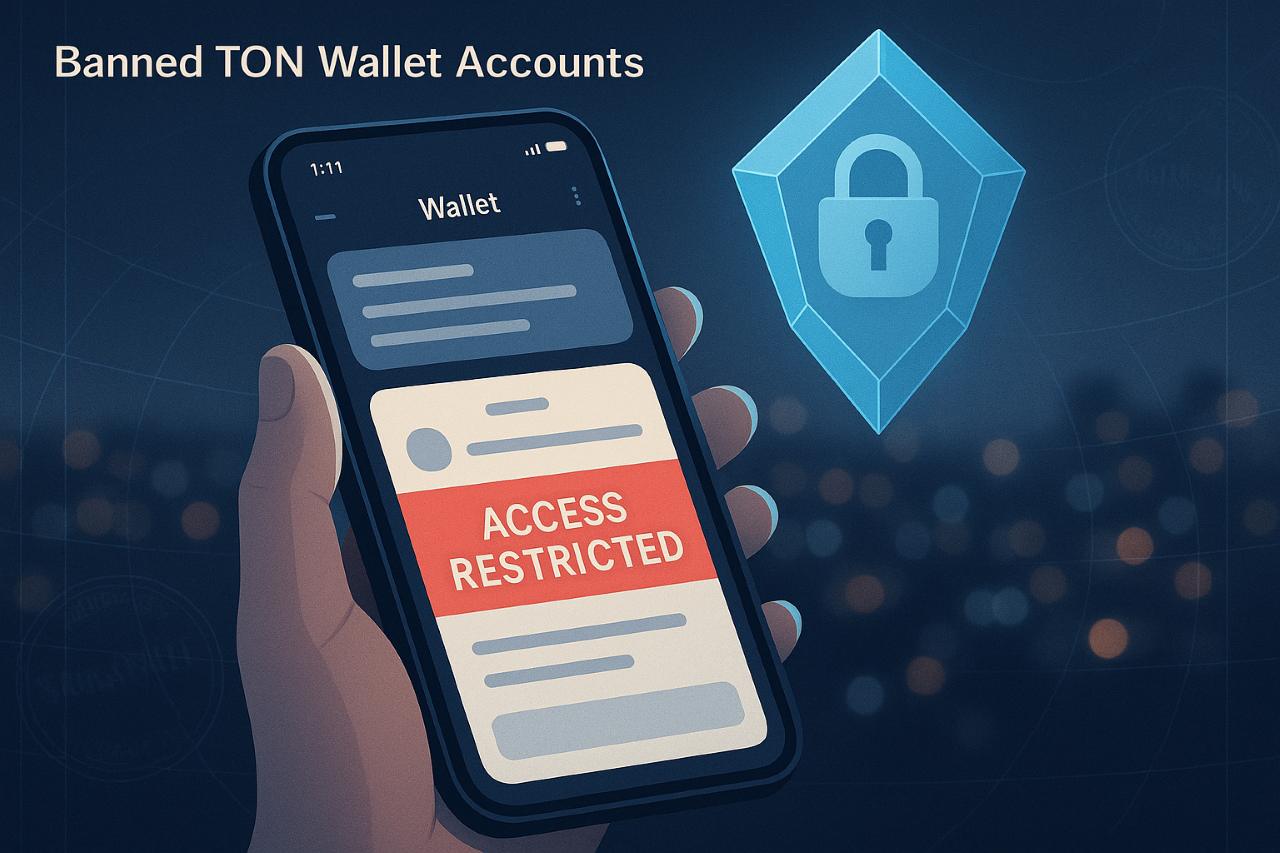
A blocked wallet or Banned TON Wallet Accounts is more than an inconvenience; it’s a hard stop on your on-chain life. If your account in Telegram’s Wallet or a connected self-custody app suddenly hits a wall, you need clarity fast: what triggered it, what you can do now, and how to avoid a repeat. Consider this your calm, fact-checked field guide.
The short version: access can be limited for policy or compliance reasons, and blockchain transfers are final. But there are concrete steps you can take—submitting verification, reviewing regional availability, tightening operational security—and best practices that dramatically lower the chance of ever landing in “account restricted” territory again. Think of it as good hygiene for a busier, faster TON ecosystem.
“How can I get my ton wallet back?” — Immediate Steps that Actually Work
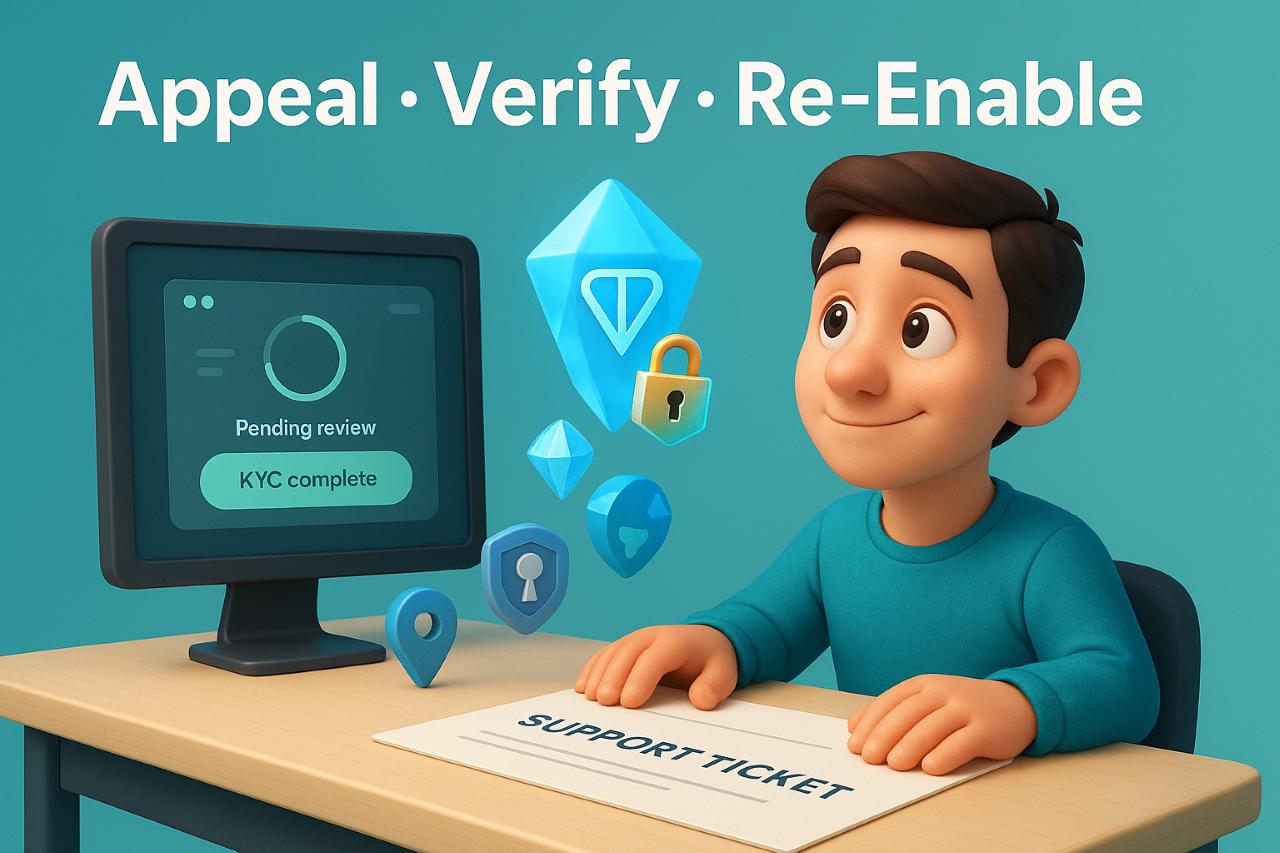
1) Identify the type of restriction. Telegram’s Wallet mini-app (formerly “Wallet in Telegram”) can throttle or restrict services under its User Agreement for risk, compliance, or regional reasons. Read the in-app notice carefully; it often points to identity verification or jurisdiction issues.
2) Complete any requested verification. If you’re asked for KYC/identity checks, submit promptly and accurately. Financial services inside super-apps are increasingly governed by global sanctions regimes and AML rules; non-completion typically prolongs the block. Public guidance and industry analyses show how sanctions screening influences crypto platforms’ risk controls.
3) Confirm regional eligibility. Some features are not offered everywhere and access can be limited at the service’s discretion. With 2025 rollouts, availability has been changing—U.S. access expanded this year, while other locales remain limited. Check the latest help center pages and official announcements before assuming parity.
4) Open a support ticket with specifics. Include your TON address, the exact error, timestamps, and any KYC reference. Keep the tone concise and factual; cite prior correspondence.
5) Harden your setup. Even if reinstated, treat this as a wake-up call: enable strong authentication on your Telegram account, review connected services, and avoid interacting with high-risk wallets or bots that might trigger automated risk flags downstream.
Typical timelines & realistic expectations
Compliance reviews aren’t instant. If your case involves sanctions geography or tainted-funds exposure, expect more scrutiny. The service can restrict or deny service under the Agreement; successful reinstatement usually hinges on clear proof and eligibility.
The Policy Backdrop: Why Accounts Get Restricted in the First Place
Operational risk and compliance. Service providers embedded in messaging apps face a thicket of global rules (sanctions lists, AML controls, fraud monitoring). Restriction mechanisms—temporary holds, feature limits, or full blocks—are standard tools to remain compliant. Industry briefings from analytics firms outline how sanctions enforcement shapes crypto product decisions and user screening.
Jurisdiction & product availability. Availability is not uniform. The Wallet service notes it “may not be available in certain countries” and can restrict access at its discretion. 2025 news cycles also reported feature launches or expansions (e.g., U.S. access, trading and yield features, broader asset listings), underscoring how availability is evolving rather than static. Always re-check the fine print before traveling or switching SIMs.
Security posture isn’t uniform either. While the TON base layer has undergone third-party audits historically, day-to-day risk sits where users interact: the app, its custodial/self-custodial flows, and your own operational habits. Smart contract security guides for TON stress reviews, documentation, and adherence to standards—useful signals when picking dApps you trust.
Red flags that raise the odds of a lock
- Repeated failed KYC or mismatched identity documents.
- Activity touching sanctioned entities or obviously risky flows.
- Accessing services from unsupported regions or via policy-dodging setups.
- Interactions with tainted funds detected by AML screens.
“Banned TON Wallet Accounts”: What to Do Next + “How safe is the Tonkeeper wallet?”
Self-custody vs. in-app services. Telegram’s Wallet mini-app provides a service layer that can be limited; a self-custody wallet like Tonkeeper gives you direct control of keys but shifts responsibility to you. Safety, therefore, is a stack: audited networks, reputable apps, and disciplined personal security.
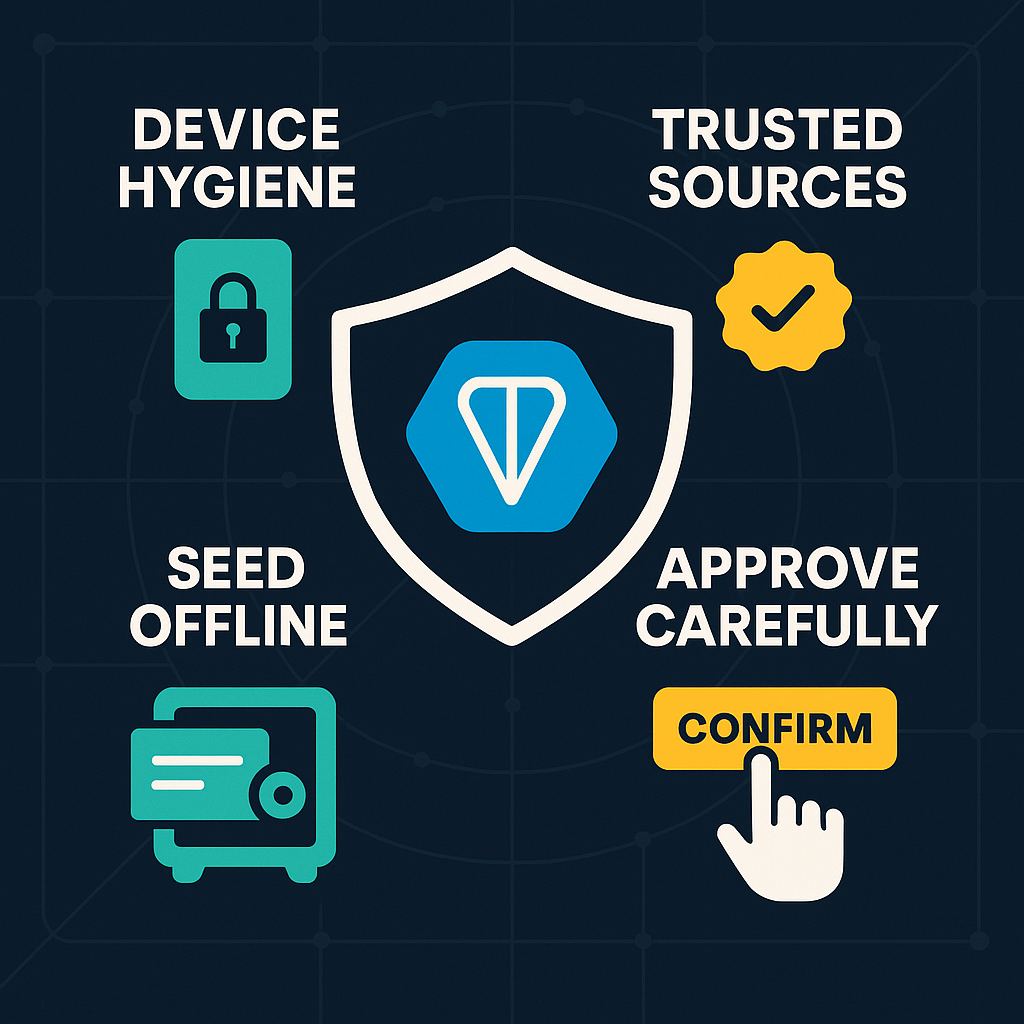
How safe is the Tonkeeper wallet? Tonkeeper maintains clear documentation and user guidance. Crucially, it reminds users that blockchain transactions are irreversible. That’s good security doctrine: the app won’t “undo” your mistake because the ledger can’t. Review device hygiene, enable secure unlock, and store seed phrases offline.
When your service is banned, your keys matter. If your limitation is inside a custodial or semi-custodial feature, your options run through support and policy. If you hold your own keys (Tonkeeper, hardware wallet), you retain control of assets unless you’ve exposed your seed or signed a malicious approval. Keep both worlds separate: don’t mix experimental bots with your long-term vault.
“Can I recover mistakenly sent tons from my Tonkeeper to a wrong wallet?”
Generally, no. TON transfers are final. Tonkeeper’s guidance is blunt: only the recipient can return funds; the network won’t. This mirrors broader wallet guidance across the industry (Ledger and others). If you sent across the wrong network or to a compatible address type, recovery may be possible but only in narrowly defined, technical scenarios—don’t bank on it. Build a pre-send checklist (see below).
“Telegram wallet supported countries”: Rolling Availability, Practical Checks, and Safer Operations
Where it works. The Wallet service publicly notes that it may limit access by country and at its discretion. Help pages and announcements list regions where specific features are live or unavailable, and 2025 updates show active expansion (e.g., U.S. rollout). Treat availability as a living document and verify before relying on features during travel or remote work.
How to check today.
- Review the latest Wallet User Agreement and help center entries for regional notes.
- Scan official announcements and the @wallet_tg handle for availability clarifications.
- If your feature set suddenly shrinks, confirm whether you crossed into a restricted jurisdiction or triggered a geo-IP rule.
Safer operating model.
- Keep a travel wallet with low balances for on-the-go usage; store the core stack in self-custody.
- Avoid interacting with suspicious bots or unknown OTC desks; some flows are magnets for tainted funds.
- Maintain impeccable record-keeping to speed up any future review. Industry AML tooling—even Telegram bots that pre-screen counterparties—can reduce risk.
Pre-send checklist (copy/paste):
- Confirm recipient address and network (TON vs. any other).
- Send a dust test first.
- Avoid memos/comments that expose personal info.
- Keep screenshots and tx hashes for support.
- Never sign unknown approvals or import seeds into web forms.
Feature Rollouts, Product Risk, and the Road Ahead
A busier product surface. In 2025, Wallet introduced trading, yields, and a broader asset list. More features mean more moving parts—and more rulebooks. Expect occasional gating by region, asset-specific restrictions, or additional verification. Keep your expectations calibrated: convenience and compliance evolve together.
User-level resilience. Build redundancy: a primary self-custody wallet (Tonkeeper or hardware), a secondary wallet for experiments, and a clean operational routine. Save emergency information (seed, passphrases) offline. Consider hardware devices for significant balances and always test restores before you need them.
Where this is heading. The policy climate around messaging-embedded wallets will keep shifting as regulators tackle scams, sanctions evasion, and novel consumer risks. Attentive users—those who document activity, respect regional rules, and separate “spend” from “store”—will navigate this terrain with far fewer surprises.
FAQ
Q: “How can I get my ton wallet back?”
A: Complete any KYC requested, verify your jurisdiction is supported, and file a detailed ticket including your address and error text. Reinstatement depends on policy fit and documentation.
Q: “How safe is the Tonkeeper wallet?”
A: Tonkeeper is a self-custody app—security depends on your device hygiene and seed management. Transactions on TON are irreversible; the app reflects that reality.
Q: “Telegram wallet supported countries—where can I use this?”
A: Coverage is expanding but not universal; availability can be limited by region and at the service’s discretion. Check the current User Agreement and help center before relying on it while traveling.
Q: “Can I recover mistakenly sent TON from my Tonkeeper to a wrong wallet?”
A: Not via the network. Only the recipient can return funds. This aligns with broader wallet-industry guidance on irreversibility.