
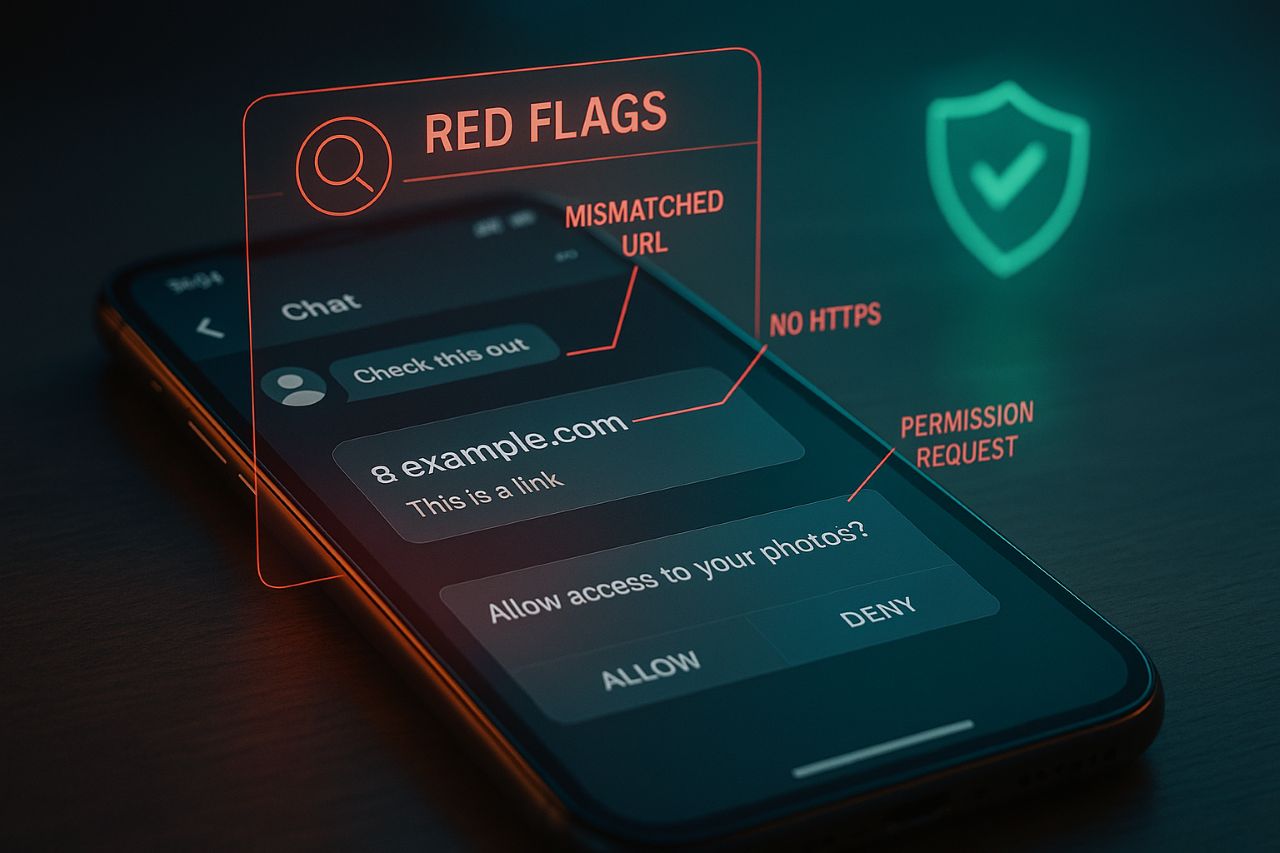
Why “fake Telegram mini app” scams are trending
Telegram Mini Apps (aka Telegram Web Apps or “TWA”) are HTML5 apps that open inside Telegram with seamless login, payments, deep links, and push-style updates. The upside—frictionless UX. The downside—bad actors can spoof brands or push users to off-platform pages that mimic legit flows. Knowing what’s officially supported is half the battle. Telegram’s docs are blunt: never trust client-side data until you validate it server-side.
How to authenticate a Telegram mini app (the safe, canonical way)
New to server-side checks? Start with my How to authenticate Telegram mini app (step-by-step) covering initData, HMAC, and the data-check string.
Step 1: Validate initData on your server (never in the client)
When a Mini App launches, Telegram injects two things into the webview:
- initData (a raw, signed string you should ship to your backend)
- initDataUnsafe (a parsed object for UI, not for trust decisions)
The rule: treat initData as the only source you’ll validate—and only on the server. Telegram’s spec highlights this repeatedly.
The server-side check uses HMAC-SHA256:
- Build the data-check string by sorting the received fields.
- Derive a secret key by HMAC-SHA256 of the bot token using the literal WebAppData as the key.
- Compute the HMAC of the data-check string with that secret; it must match Telegram’s hash.
Telegram’s official guidance and community examples illustrate the exact sequence. If your result doesn’t match, reject the session.
Pro tip: initDataUnsafe is named that way for a reason. Don’t authorize anything from it until your server verifies initData.
Step 2: Check the t.me deep link, bot, and domain
Legit mini apps launch from a bot you can inspect (open profile, confirm handle) via a direct link like t.me/your_bot/app?startapp=…. Telegram documents seven launch paths (profile button, keyboard button, inline button, bot menu, inline mode, direct link, attachment menu). If you’re landing on a random mobile browser instead of Telegram, or the URL isn’t HTTPS, that’s a tell.
Step 3: Sanity-check requested capabilities
Mini apps can now run full-screen, add home-screen shortcuts, use geolocation and motion sensors, share media, and offer subscriptions. None of that changes the security rule: if an app asks you to paste seed phrases, payment card numbers outside official providers, or anything unrelated to the described service—exit.
How to test Telegram mini apps (without risking your main account)
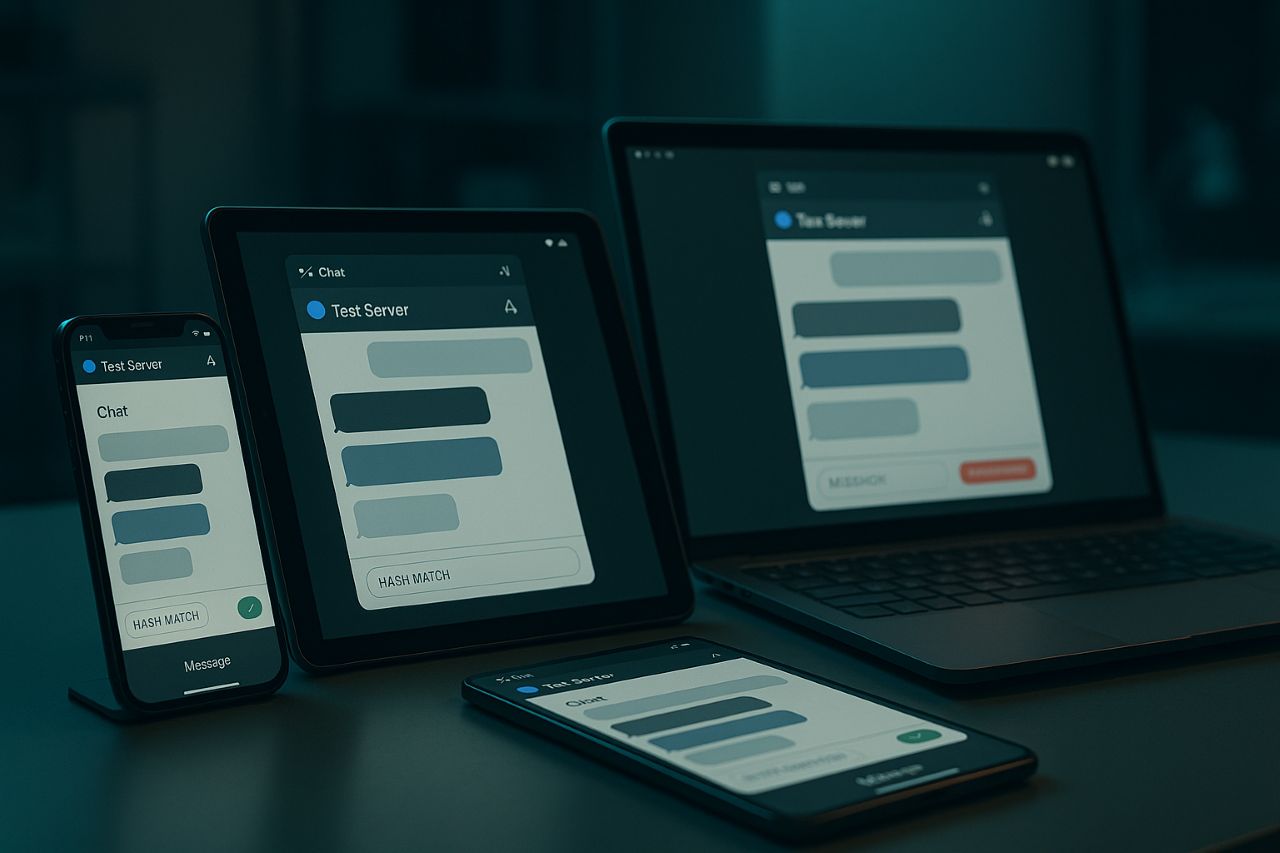
Use Telegram’s Test Server accounts
Telegram provides a test environment across iOS and Desktop. On iOS, tap the Settings icon rapidly (10x) to unlock the test login flow; on Desktop, open Settings and use Shift + Alt + right-click on Add Account to select Test Server. This lets you test Mini App auth flows, deep links, and feature flags away from production users.
Inspect the WebView (Desktop beta)
Enable Experimental settings → Enable webview inspecting in Telegram Desktop beta. Then right-click inside the Mini App to open DevTools and watch initData, network requests, and console logs—handy for catching auth or HMAC issues.
Payments & “test mode”
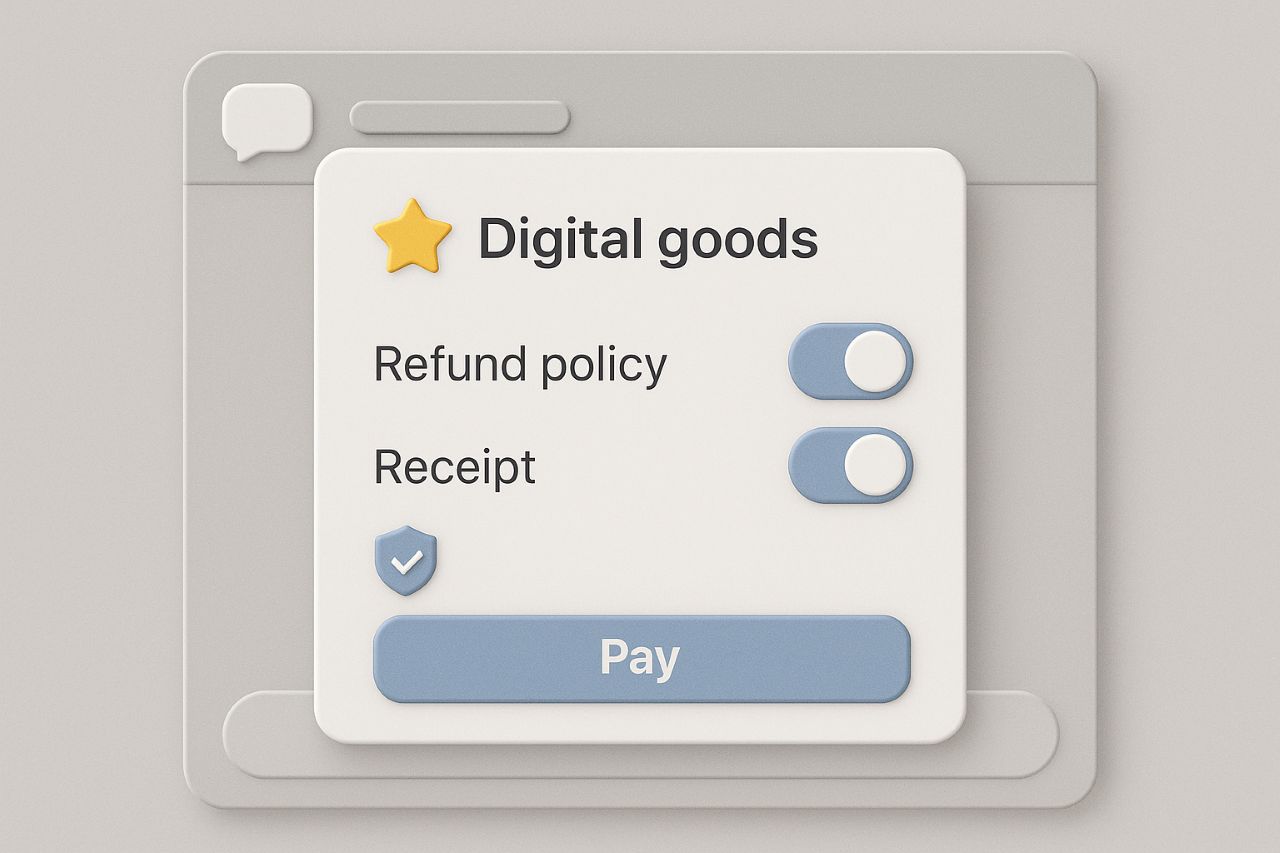
Telegram supports payments via third-party providers (Apple Pay/Google Pay supported where available) and, increasingly, via Stars for digital goods and subscriptions. For conventional processors, use the provider’s test credentials; for Stars, follow Telegram’s official integration guidance before toggling anything live.
Can we earn money from the Telegram app?
Short answer: Yes—if you use official monetization. For pricing, payouts, and compliance, see my Telegram Stars monetization guide with examples for digital goods and subscriptions.
Stars for digital goods and subscriptions
Telegram Stars is the in-app currency for bots and mini apps. Users buy Stars through Apple/Google (or PremiumBot where supported) and spend them on digital goods—ebooks, game items, courses, subscriptions. For devs, this is the compliant route to sell inside Telegram without building native apps.
Ad revenue sharing for channels (adjacent but real)
If you also run channels, Telegram shares 50% of ad revenue with eligible public channels (≥1,000 subscribers). While this isn’t a mini-app feature per se, many builders pair mini apps with channels for discovery and income. Payouts are tied to Telegram’s ad platform.
Reality check: Ignore blogs that promise “instant riches” from gray-area tactics. Stick to Stars, approved payment providers, and Telegram’s documented flows—anything else risks bans or worse.
Red flags: How to spot a fake Telegram mini app
Off-brand links and missing BotFather integration
Legit apps are attached to a bot you can audit, with menu buttons or deep links configured via BotFather (e.g., “Configure Mini App,” set Web App URL, or menu button). If a so-called “mini app” arrives as a bare shortened link or never opens inside Telegram, treat it as suspicious.
No server-side initData validation
If a developer tells you client-only validation is “fine,” it isn’t. Telegram’s docs warn against trusting initDataUnsafe—and the correct HMAC sequence is well-documented. Skipping it is a hallmark of throwaway clones.
Overreach: seed phrases, off-platform paywalls, weird permissions
Mini apps can request geolocation, motion data, and media (post-2.0), but they never need wallet seed phrases or off-platform logins that mirror financial institutions. If you see crypto recovery prompts or card forms outside known processors, it’s almost certainly a phish.
Developer & power-user checklist (copy/paste)
- Launch only from t.me links, bot menu buttons, or inline buttons you can verify. Avoid raw external links.
- Ensure the app loads HTTPS with a valid certificate; Telegram rejects non-HTTPS anyway.
- On your backend, validate initData: construct the data-check string, derive the secret via HMAC_SHA256(key=”WebAppData”, message=botToken), HMAC the check string, compare with hash. Reject on mismatch or stale timestamps.
- For testing, use Test Server accounts; on Desktop beta, enable webview inspecting to open DevTools.
- Use Stars or approved providers (Apple Pay/Google Pay supported) for digital goods; consider channel ad revenue alongside your app strategy.
- Post-2.0 features like full-screen, home-screen shortcuts, subscriptions, and geolocation are legit—but not an excuse to request sensitive secrets.
FAQ
How to authenticate Telegram mini app?
Use Telegram’s official server-side verification for initData. Build the data-check string, derive the secret via HMAC-SHA256 with WebAppData and your bot token, compute the HMAC, and match it to the provided hash. Never authenticate off initDataUnsafe.
How to test Telegram mini apps?
Create a Test Server account (iOS: tap Settings 10x; Desktop: Shift + Alt + right-click Add Account → Test Server). Use Desktop beta to enable webview inspecting and test flows end-to-end without touching production users.
Can we earn money from the Telegram app?
Yes. Implement Telegram Stars to sell digital goods and subscriptions inside mini apps; pair with channel ad revenue sharing for discovery and recurring income. Follow integration docs and avoid unapproved payment workarounds.

3 replies on “Fake Telegram Mini App: How to Authenticate & Test”
tikiokviral
Casino Telegram bot
Ton coin
Ton wallet
tikiokviral
Jetstar Australia
LINK IN BIO
LINK IN BIO
Crypto
telegram bot
BTC
[…] Ton employs encryption, multi-signature verification, and biometric authentication. This setup protects users from phishing attacks and fake Telegram bots. […]
[…] funnel you to a fake telegram mini app, request broad allowances, and trigger a wallet drainer script. Consequently, assets vanish without […]